Perseverance Photography
"The will to persevere is often the difference between failure and success."
- David Sarnoff
 |
|---|
... Midnight Train ...
"Georgia"
Fairbanks, AK 5/24/09
A Word About Color: Web vs. Prints ...Color is very subjective. What I think looks good, may not appeal to you. Beyond that, computer monitors display color very differently than prints. Furthermore, web browsers cannot display the amount of colors or depth that photo programs [Photoshop/Paint Shop Pro/Photoshop Elements] can. This makes processing digital image files for the web and prints challenging to say the least! Even if your monitor is adjusted perfectly (see below), what you see in the online gallery will probably show less detail and appear slightly darker than the print especially in the dark areas. The web version will show more contrast too, and the print may look slightly flat by comparison. That said, again, color and contrast are very subjective. I use a hardware device called a colorimeter to calibrate my monitor (which standardizes the monitor adjustment) and printer profiles that help match the inkset and paper to the monitor. This is called a "color managed workflow" and is currently the best way to bring most of the detail available in the file to the print. I do my best to match the detailed, full resolution digital file (not the web file you see in the gallery) to the final print. I usually get pretty close but like apples and oranges, the files displayed on the web will appear differently than prints you hold in your hand and they always will because they are different media. Monitor Adjustment and Calibration * * * * * * * * * * * * * * * The following is from the website, Catching the Light: Computer Monitors
Step Wedge Adjustment
Now that the bit depth is correct, adjust the brightness and contrast of your monitor so that you can see each step separately. Pay more attention to the black steps here. The darkest step should be as dark as you can make it while still being able to distinguish it from the next lighter step. These pages are optimized for viewing at 24 or 32 bit color and a monitor resolution of 800 x 600 or 1024 x 768. Thanks and credit to Chuck Vaughn for first thinking of using this step wedge for monitor calibration. Images Copyright © Pat Kalbaugh |

...
Portraiture, Action & Artistic Images of Dogs
Web Galleries ...
Artistic, Landscape, Documentary, Wildlife
More Flower Power! Summer Afternoon at the Jensen-Olson Arboretum
Juneau, AK - July 2011Flower Power! Summer Afternoon at the Jensen-Olson Arboretum
Juneau, AK - Wednesday, July 7, 2010Mendenhall Glacier Bears
Juneau, AK - Sunday, Aug 10, 2008Digital Photo Gallery - 2006-07
Pet Photos with Santa & Holiday Pet Portraits for CKCoJ
New!
Best of Pet Photos with Santa 07 - Dec 2007
New!
Best of Pet Photos with Santa 08 - Dec 2008
New!
Holiday Pet Portraits Samples - Dec 2009
New!
Holiday Pet Portraits Samples 2 - Dec 2009Dog Events
New!
Herding at Jane's in Michigan - Oct, 2011
New!
Family Dog Fun at the Yorktown, VA Battle Grounds - Oct, 2011
New!
Candids from Ringside, TVKC Dog Show
May 29, 2011CKCoJ Rally Obedience Trials
February 14, 2010Whitehorse Woofers Agility Classes
June 4, 2009Shetland Sheepdog Club of Anchorage
2009 Spring Specialty
May 29, 2009Best of Saturday NADAC Rain-A-gility Gallery
Juneau, AK - Saturday, Aug 9, 2008Best of Sunday NADAC Agility Gallery
Juneau, AK - Sunday, Aug 10, 2008Flash Multimedia Slideshow of Sunday Tunnelers - Photos and Music
Portrait Shoots
Lisa Barnard's Goldens - April 2006
Cindy Leung and Clara - April 2007
Lisa Barnard and Summit - April 2007
Raven - September 2007
Best of Whitehorse - Nov 2007
Golden Retriever, Reagan - May 2008
Denzel v. Casselswald "Zel"
March 2009 - 9 wks.Austrailian Shepherd, Star - March 21, 2009
Golden Retriever, "Brandy"
May 2009Afternoon at Lake Bennett
(Tess, Kenai, Summit, Abbey and a hint of Lisa)
June 07, 2009Dog Day Afternoon on the Wetlands
(Tess, Frosty, Abbey)
June 15, 2009Austrailian Shepherd Puppy, "CC"
April 27, 2010Golden Retriever, "Kenai" and Lisa Barnard, High In Trial, Fairbanks
May 2011
New!
Kelly Malone's GSDs & BC - Oct, 2011
New!
Elsa Gambert's Malinois - Oct, 2011Other Local Events
http://www.facebook.com/media/set/?set=a.195509240468226.47398.100000274557766&type=3JAHC's Wearable Art Extravaganza - Feb 2011
JAHC's Wearable Art Extravaganza - Feb 2010
Classic Car Show, Juneau - May 2007
Projects
Exhibits ...
AKC Museum of the Dog purchased "A Golden Moment - Kenai at Lake Bennett" for inclusion in their permanent collection.
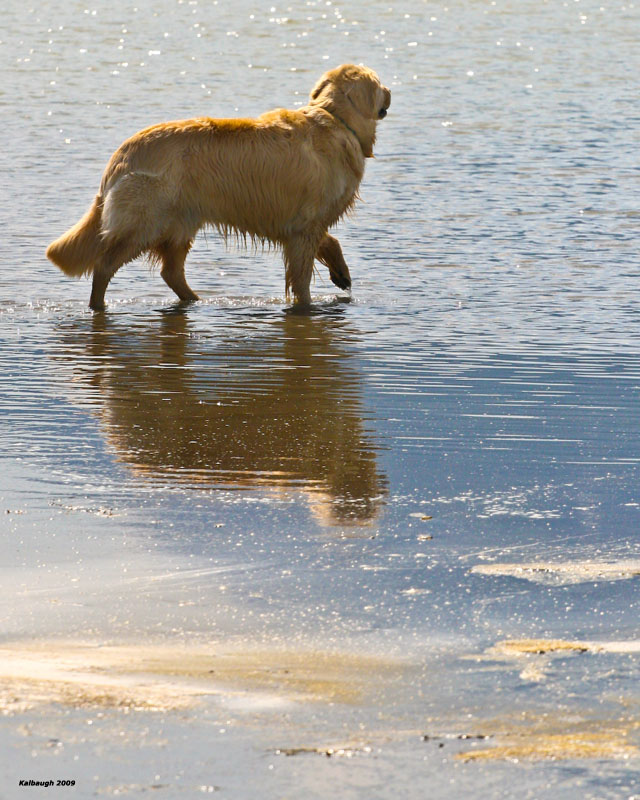
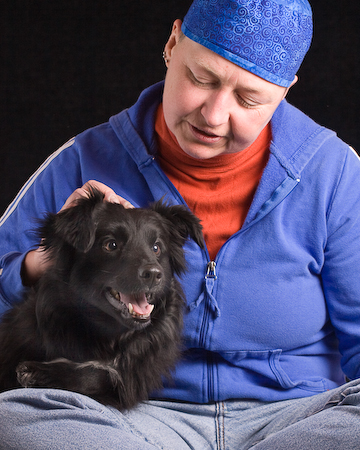
AKC Museum of the Dog Photography Exhibit - February 18 - April 24, 2011. Two photographs selected for inclusion in the exhibt: "Georgia in Fairbanks" and "A Golden Moment - Kenai at Lake Bennett"
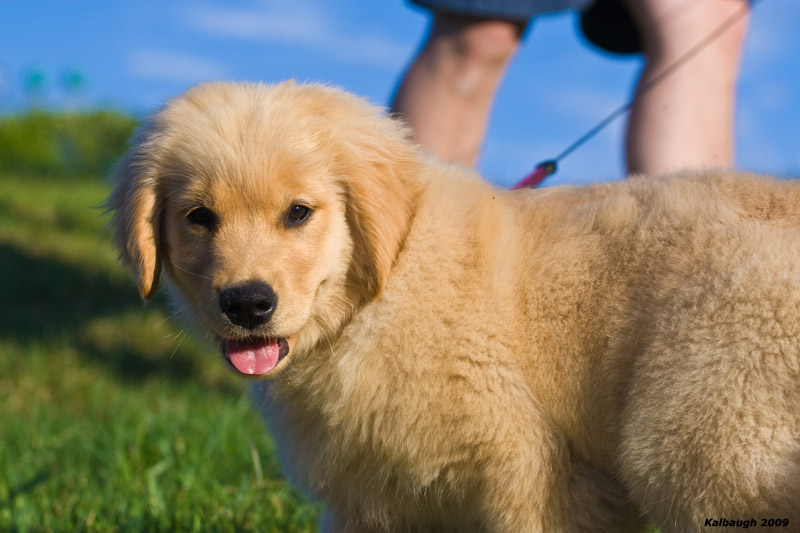
23rd Annual Art Show at the Dog Show 2009 Wichita, KS. Cash award for best entry depicting a Golden Retriever" "Chin Scratch"
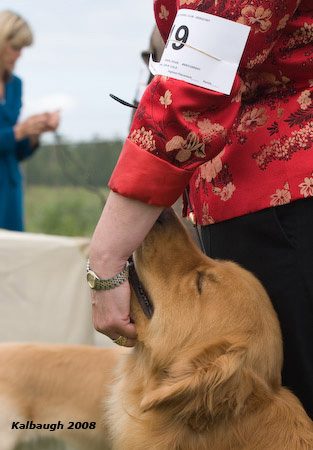
24th Annual Art Show at the Dog Show 2010 Wichita, KS. Two of four selected: "Georgia in Fairbanks" and "A Golden Moment - Kenai at Lake Bennett"
25th Annual Art Show at the Dog Show 2011 Wichita, KS. Two of four selected: "Curious Beatrice" and "The Best Therapy"
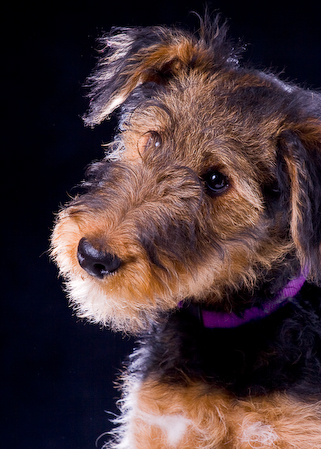
Alaska Positive 2006, AK State Museum (Juried)
"Dream"
"Nature TV"
Alaska Positive 2008, AK State Museum (Juried)
"AK Fisherman's Bldg" (Honorable Mention)
"Empire Totem Face" (Honorable Mention)
Alaska Positive 2010, AK State Museum (Juried)
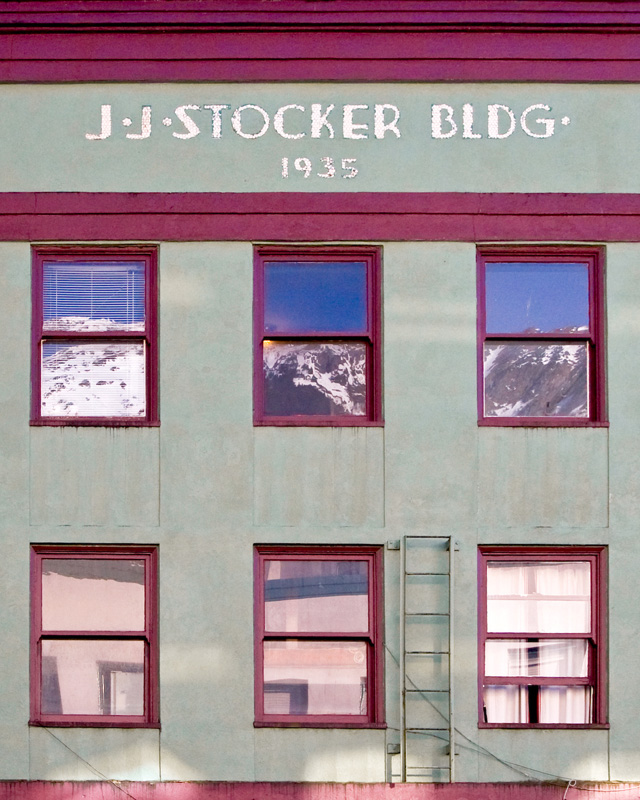
"JJ Stocker Bldg"
AK Photo Arts Assoc. Members' Exhibit, Kaladi Bros, Oct-Dec 2006, Anchorage, AK (Juried)
"Dog Days of Summer"
"AK Fisherman's Bldg."
Hit Me With Your Best Shot - JCVB Photo Contest Winner - Oct 2007
2nd place and a cash award in Outdoor Recreation for "Mendenhall Glacier Kayakers"
AK Photo Arts Assoc. Spring Exhibits at KTOO 2005, 2006, 2007, 2008, 2009, 2010, 2011
12 x 12 Art Exhibit, Juneau City Museum
Feb. 2006: Tess
Feb. 2007: Pat Younger's Whippets
Quote of the Day...
Pat Kalbaugh
Juneau, AK